
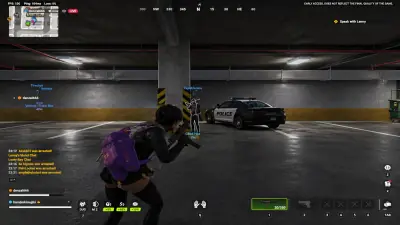
ROB RUN Base ESP: owners, raid state and timers
Read clan ownership, raid lock timers and base activity without treating a marker as a guaranteed raid opportunity.
Begin with ownership
Base ESP can show the owner or clan associated with a base. Compare that with player clan tags before interpreting the surrounding markers. Buildings and outbuildings are included, and your own base can be hidden when you only need information about other locations.
Distinguish raid state from a timer
Raid state describes the displayed state of the base. The raid lock timer adds a separate time readout. Neither should be stretched into a claim that a base can always be attacked when a timer ends. Check the current game rules before interpreting these readouts as an opportunity to raid.
Read defenses and production separately
Defense blocks and modules relate to the base’s defensive objects. Workbenches and workbench timers relate to activity inside it. The laundering station, crypto farm and cargo opening or exchange markers identify other systems. These readouts help classify what is present; they do not establish a guaranteed payout or the contents of every container.
Keep nearby players in the picture
A base marker does not replace Player ESP. Role tags, clan tags, held items and action states describe players around the location, while radar offers a wider view. During a clan fight, Battle Mode’s side filter can reduce visual clutter. Use each group for the question it actually answers.
Recheck the display after Early Access changes
Game patches can affect the menu’s base readouts and other features. Review current update and status notices rather than treating a saved config or this guide as proof of live compatibility. The main product page lists the documented base options, and the FAQ explains requirements and controls.