
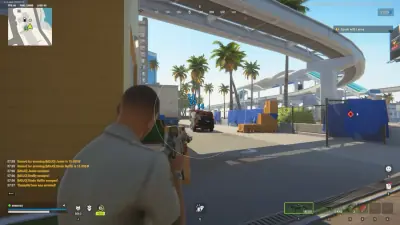
ROB RUN heist markers: banks, loot and security
Understand what bank, camera and loot markers tell you without relying on unverified map coordinates.
A location marker is one part of a route
Banks, roulette spots and ATMs belong to the economy marker group. Cash nodes, withdrawal points and cash charging points are listed too. Their markers identify objects or locations; they do not establish which site currently holds the most money or guarantee a successful heist. The current game build determines what remains available.
Separate valuable loot from background labels
World and Loot covers dropped cash, bags, containers and cargo. Weapons, ammo, armor, medicine, keys, tools and valuables can be filtered by category. The minimum value filter narrows the display further, while item icons and prices help identify what a marker represents. Choose categories for your objective before enabling every label.
Read security objects together
Cameras can be marked even when broken or disabled, and coverage cones show the area associated with a camera. Guard posts, alarms and security panels provide other pieces of the security picture. Doors, vault doors and medical cabinets have markers too. A camera cone alone does not describe every threat near an objective.
Use objectives and hideouts for context
Heist objectives, capture points, territories and hideout entrances appear among the world markers. Keep the categories that help with your immediate task. If the display becomes crowded, reduce categories or distances where the menu provides those controls rather than assuming more labels always help.
Keep exploration and combat displays distinct
Radar can include cameras, loot, hideouts, objectives, banks and roulette alongside players and vehicles. Battle Mode can hide world labels when combat begins. These are different views of the same area, not a verified route through it. Review the menu breakdown for exact groups. This guide supplies no fixed bank coordinates, loot yields or camera bypass instructions. For the people around an objective, see how role filters work.